HTML to PDF converter
Paste HTML, pick a page size, get a PDF. It is rendered by headless Chromium, so modern CSS, web fonts and JavaScript behave much as they do in a browser.
616 B of 256 KB allowed in the free web tool.
Result
Your PDF will appear here.
The free web tool prints at most the first 10 pages. For longer documents, use the API.
Retention: web-tool results are deleted after 10 minutes and no history is kept. API results are kept 1 day on the free plan and 7 days on Starter and Pro (30 days on Business).
Do this from your code
The same request, built from the input and options above. Create an account to get an API key.
curl -X POST https://api.aiipworld.com/v1/render \
  -H "Authorization: Bearer $AIIPWORLD_API_KEY" \
  -H "Content-Type: application/json" \
  -d '{"html":"","output":"pdf","options":{}}'

# returns {"job_id": "...", "status": "queued"}; then poll:
curl https://api.aiipworld.com/v1/jobs/JOB_ID -H "Authorization: Bearer $AIIPWORLD_API_KEY"Batches
The web tool handles 1 document at a time. The API takes one request per document, so you can script as many as your plan allows.
More control
Headers and footers, page ranges, scale, custom page size, wait conditions and request headers are API options. See the docs.
Retention
Web-tool results are kept 10 minutes; free API results 1 day; Starter and Pro results 7 days; Business 30 days. The web tool allows 10 conversions per minute and 50 per day per visitor.
How it works
- Paste your HTML into the editor. A complete document with a style block works best.
- Pick the page size, margin and orientation.
- Complete the human check, then press Convert to PDF.
- Download the file. It is deleted automatically after the time shown under the result.
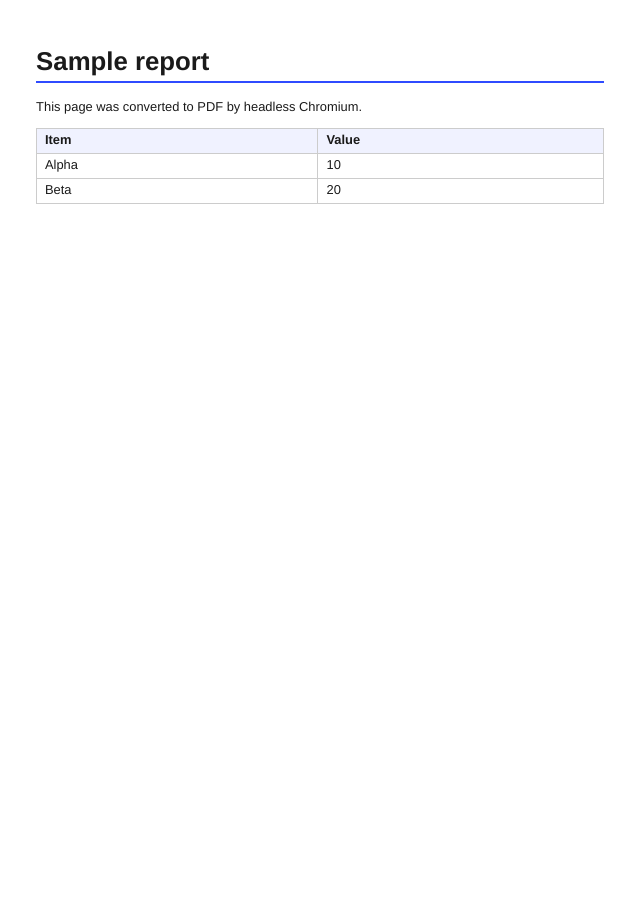
Example output
Questions
Why does my PDF look different from the page in my browser?
The PDF is printed from headless Chromium, so print styles apply. Use @media print rules and the CSS properties break-before, break-after and break-inside to control page breaks. With the API you can switch the media type to screen.
Can the HTML load images, CSS or fonts from other sites?
Public http and https addresses can be fetched while rendering. Addresses inside private networks, localhost and cloud metadata addresses are blocked on purpose. Inline small assets with data URLs if you want no external dependency.
Does JavaScript in my HTML run?
Yes by default. The API has a javascript option and wait options (wait_until, wait_for_selector, delay_ms) for pages that build themselves on load.
How big can the HTML be?
The free web tool accepts up to 256 KB of HTML per conversion and prints at most the first 10 pages. API requests accept larger documents; the limits per plan are still being decided.
How long is my PDF kept?
Web-tool results are deleted after 10 minutes. We do not keep a history for web-tool conversions.
Can I convert many files at once?
Not in the free web tool, which takes one document at a time. The API is the way to batch: send one request per document.