HTML to image
Paste HTML and CSS and get a PNG or JPEG of how it renders. Set the width and height, choose 1x to 3x pixel density, and keep the background transparent if you want to place the image over something else.
- A transparent PNG only stays transparent where your page does not paint a background itself.
602 B of 256 KB allowed in the free web tool.
Result
Your image will appear here.
The free web tool captures at most 2000px of height. For taller captures, use the API.
Retention: web-tool results are deleted after 10 minutes and no history is kept. API results are kept 1 day on the free plan and 7 days on Starter and Pro (30 days on Business).
Do this from your code
The same request, built from the input and options above. Create an account to get an API key.
curl -X POST https://api.aiipworld.com/v1/render \
  -H "Authorization: Bearer $AIIPWORLD_API_KEY" \
  -H "Content-Type: application/json" \
  -d '{"html":"","output":"pdf","options":{}}'

# returns {"job_id": "...", "status": "queued"}; then poll:
curl https://api.aiipworld.com/v1/jobs/JOB_ID -H "Authorization: Bearer $AIIPWORLD_API_KEY"Batches
The web tool handles 1 document at a time. The API takes one request per document, so you can script as many as your plan allows.
More control
Whole-page capture (full_page), clipping to a region, request headers and a custom user agent are API options. See the docs.
Retention
Web-tool results are kept 10 minutes; free API results 1 day; Starter and Pro results 7 days; Business 30 days. The web tool allows 10 conversions per minute and 50 per day per visitor.
How it works
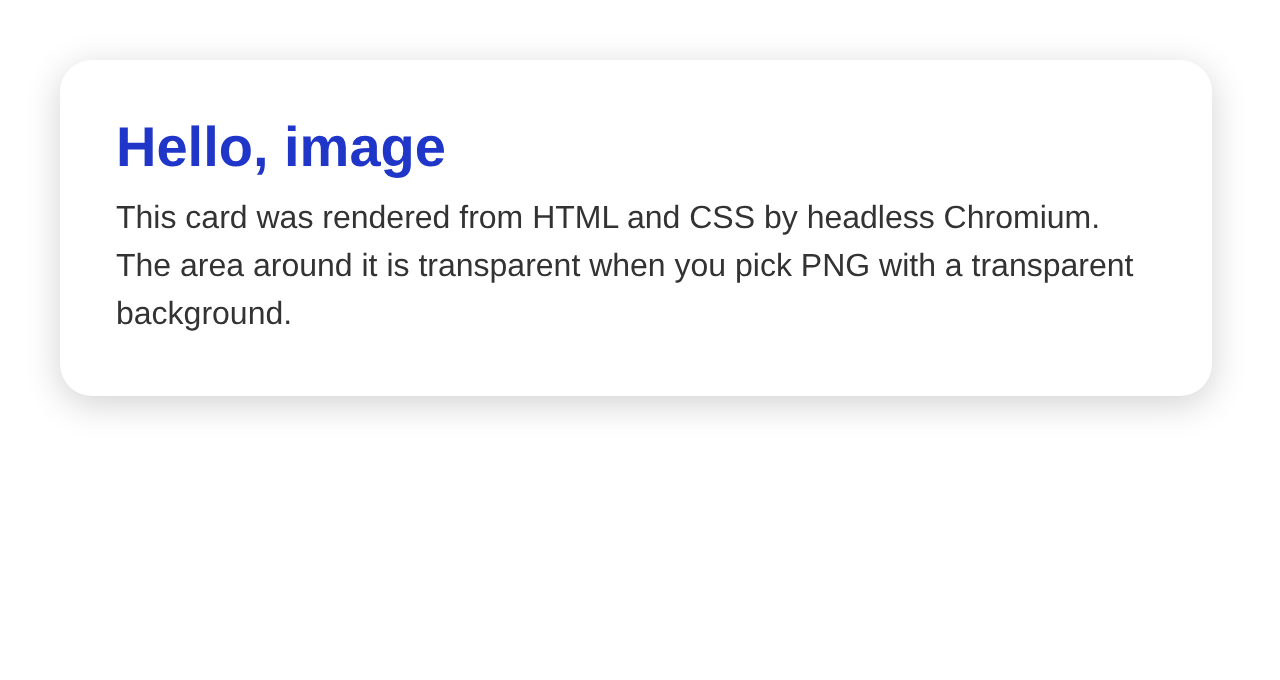
- Paste your HTML and CSS into the editor.
- Set the width and height of the image area in pixels.
- Choose PNG or JPEG. For PNG you can keep the background transparent.
- Press Create image and download the file.
Example output
Questions
How big will the image be?
Width times height in pixels, multiplied by the pixel density. At 2x, a 640 x 340 area gives a 1280 x 680 px image. The free tool allows heights up to 2000 px and widths from 100 to 4000 px.
How do I get a transparent background?
Choose PNG and keep the transparent background option on. Your page must not paint its own background on html or body. JPEG has no transparency.
Can the HTML load external images and fonts?
Public http and https addresses can be loaded while rendering. Private and local addresses are blocked on purpose. Data URLs work without any network request.
Does JavaScript run?
Yes. The image is captured after the page has loaded. The API has wait options for pages that finish later.
Can I capture only part of the page?
The API has a clip option that takes a rectangle (x, y, width, height). The free tool captures the whole window area you set.
Is WebP supported?
Not yet. Output is PNG or JPEG.
How long is the image kept?
Web-tool results are deleted after 10 minutes. Download it before then.